
November 2026 · 4 min read

TL;DR: To protect your business on social media over the holidays, turn on two-factor authentication, clean up who has access to Meta Business Suite, tighten your personal profile’s privacy settings, share your holiday hours instead of your holiday plans, and check any “urgent” message before you click. This blog will guide you how.
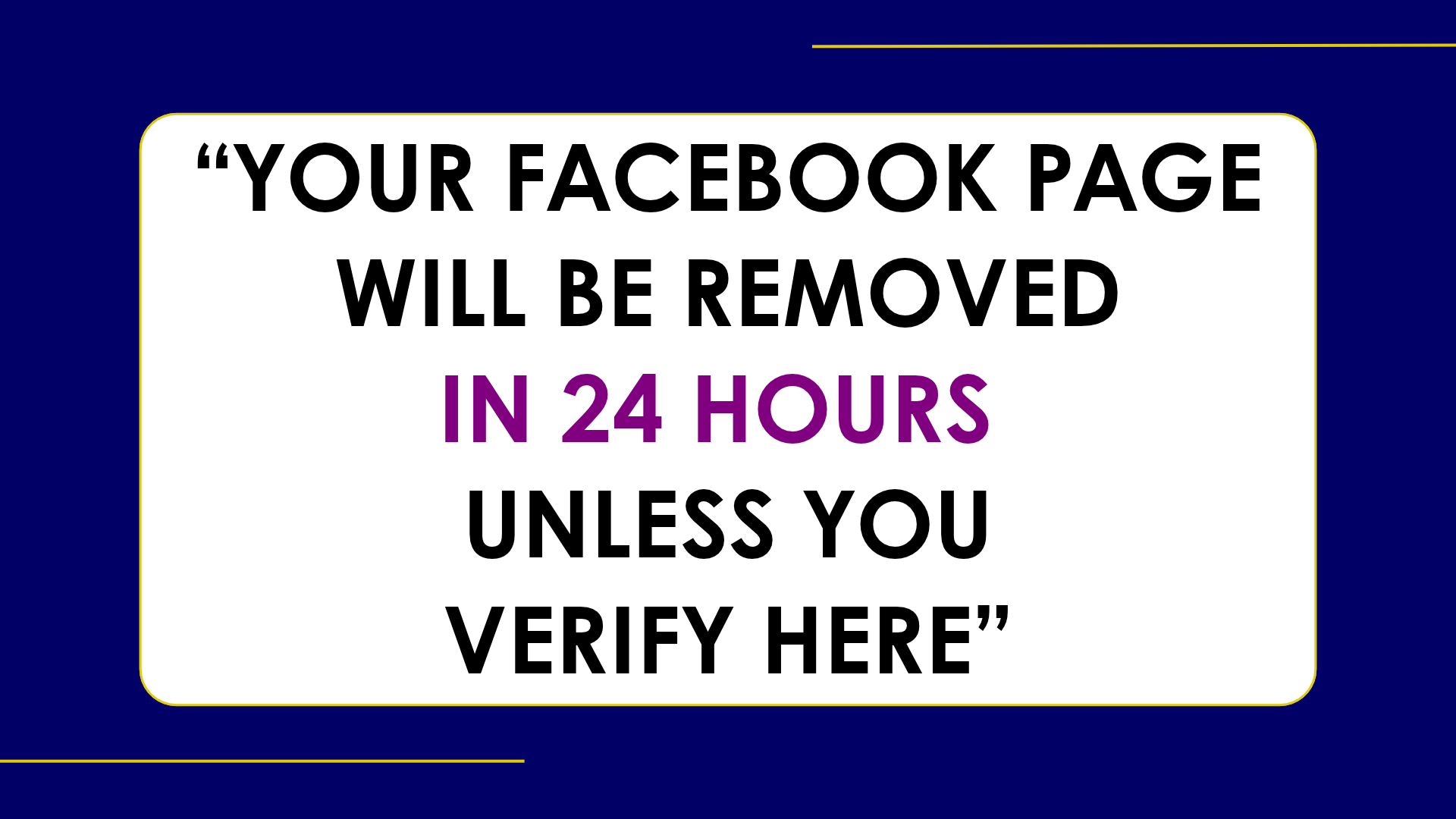
We all know what it’s like the first week of December. We have 79 unread emails, goals we want to hit before the year ends, and a staff party to coordinate. Then a message pops up: your Facebook Page broke community standards and will be removed in 24 hours unless you “verify your account here.”
Do you click?
It gets us because we just don’t have the time to make sure it’s legit and we don’t want our socials not posting. Clicking feels like the quickest way to deal with it and get back to your day.
That split second is exactly what scammers plan for.
Why December is prime time for social media scams
Canadians reported more than $704 million in fraud losses to the Canadian Anti-Fraud Centre in 2025, across more than 112,000 reports. Identity fraud was the most reported type. The CAFC estimates only 5% to 10% of victims ever report, so the real numbers are much bigger.
The holidays add pressure. In RBC’s 2025 Fraud Awareness Poll, 86% of Canadians said they can spot a scam, yet one in four admitted they’ve already fallen for one. Here in Saskatchewan and Manitoba, 34% have seen a deepfake celebrity or influencer promoting a product or contest on social media, the highest of any region polled.
Businesses are on the list too. Statistics Canada found one in six Canadian businesses with 10 or more employees was hit by a cyber security incident in 2025, and more than half of those were hit through scams and fraud.
Your personal profile is your business’s back door
Most owner-led businesses have their personal profiles tied to their business pages. That means you log into Meta Business Suite through your personal Facebook account. If someone gets into your account, they get your page, your ad account and your customer messages.
When your name and face are the brand, your identity is an asset and it needs to be protected.
5 ways to protect your business on social media before Christmas
Turn on two-factor authentication everywhere. Facebook, Instagram, Meta Business Suite and your email. Inside Business Suite, admins can require two-factor for everyone. Use an authenticator app over text codes when you can, and never share a code. A real company won’t ask for it.
Clean up who has “the keys”. In Business Suite, go to Settings, then People. Remove the past employee, the old agency or the family member who “helped with Instagram” in 2022. Assign the proper permissions (basic access instead of full control), and give everyone their own login. No more shared passwords.
Lock down your personal profile. If Facebook’s profile lock shows up in your settings, use it to limit your posts and photos to friends. If you don’t see it, update your privacy settings one at a time. Use Facebook’s Privacy Checkup to work through them faster. Hide your birthday, hometown and friends list. Those details help people guess security questions. Keep your voicemail greeting short and generic too.
Post your holiday hours, not your holiday plans. “Closed December 24 to January 2” helps your clients. “Off to Mexico for two weeks!” tells strangers your home and shop are empty. Share the beach photos once you’re back.
Slow down on anything urgent. The Better Business Bureau’s 12 Scams of Christmas includes misleading social media ads, “Secret Sister” gift exchanges and fake customer service accounts. If a message claims to be from Meta, close it and check your account directly in the app. Take the five minutes to ask questions before you act.

One scam I especially want to flag as an animal lover is puppy scams.
Fake listings use adorable photos and pressure you to send a deposit before someone else gets the puppy. Always meet the pet in person before making a payment.
What’s at stake if you wait
For you, losing your page in December means losing your booking channel, your reviews and your clients’ trust during your busiest weeks. Whoever takes it over can also message your customers in your name. A Research Co. poll in November last year showed that 16% of Canadians said someone had hacked their social media. We don’t want to see that number grow in 2026 and we sure don’t want to see you in that statistic!
What’s Next?
Save this list and block 30 minutes on your calendar this week to work through it. Want a second set of eyes on how your business shows up online? Book a free Discovery Call and we’ll help you build a social presence that works for you and stays yours.
Frequently Asked Questions
What are the most common holiday scams on social media?
The Better Business Bureau's 12 Scams of Christmas list includes misleading social media ads, "Secret Sister" gift exchanges, fake customer service accounts and puppy scams. In 2025, identity fraud was the most reported type of fraud to the Canadian Anti-Fraud Centre.
How do I protect my Facebook business page from being hacked?
Turn on two-factor authentication for Facebook, Instagram, Meta Business Suite and your email. Then review who has access in Business Suite, remove anyone who no longer needs it and give most people basic access instead of full control.
Is a message saying my Facebook Page will be removed real?
Treat it as suspicious, especially if it pushes you to click a link fast. Close the message and check your account directly in the Facebook or Meta Business Suite app instead.
Why does my personal Facebook profile matter for my business?
You log into Meta Business Suite through your personal Facebook account. If someone gets into your personal account, they can reach your business page, your ad account and your customer messages.
Should I post on social media that I'm away for the holidays?
Post your holiday hours instead of your holiday plans. Sharing that you're away can tell strangers your home or shop is empty, so save the vacation photos until you're back.
What should I do if I think I've been scammed?
Report it to your local police and to the Canadian Anti-Fraud Centre through the Report Cybercrime and Fraud website or by phone at 1-888-495-8501. Reporting helps even if you didn't lose money.

About the Author
Lindsay Fuchs is Co-Founder & Content Strategist at Undercover Creators. She develops brand messaging and content strategies for owner-led businesses and professional service providers, and works directly with businesses to plan, create, test and analyze content across social media, websites, blogs, and email. Undercover Creators is based in Saskatoon and works with clients across Saskatchewan.
Want Help With Your Social Media?
A secure page is the starting point. You still need to decide what to post, how it fits with the rest of your marketing and why your audience should care.
At Undercover Creators, we help owner-led businesses turn their expertise, offers and goals into clear social media strategies and content that sounds like them.
If you'd rather start with a conversation, book a free Discovery Call and we'll look at how your business shows up online.
Sources
Canadian Anti-Fraud Centre, "Top 10 Frauds in 2025"
Competition Bureau Canada, "Fraud Prevention Month to Bring Hidden Crime Into the Spotlight"
RBC, "Checking It Twice: Overconfidence in Spotting Scams May Cost Canadian Holiday Shoppers"
RBC, "Is That Really Who You Think It Is? Canadians Worry About Rising Fraud Risks"
Statistics Canada, "Impact of Cybercrime on Canadian Businesses, 2025"
Research Co., cybercrime poll of Canadian adults, December 2025
Better Business Bureau, "12 Holiday Scams to Dodge This Season" (via e-KNOW)
Better Business Bureau holiday scam warnings, via Discover Airdrie
Meta Business Help Center, "Add People to a Business Portfolio and Assign a Business Asset"
Facebook Help Center, "Lock Your Facebook Profile"
Facebook Help Center, "Privacy Checkup"
Forbes, "It May Be Christmas Time, But It's Still a Dangerous World Out There"